Google Search Console Update July 2026: How to Track Instagram, TikTok, X & YouTube Traffic in Search Console
-
By Devraj
-
9th July 2026
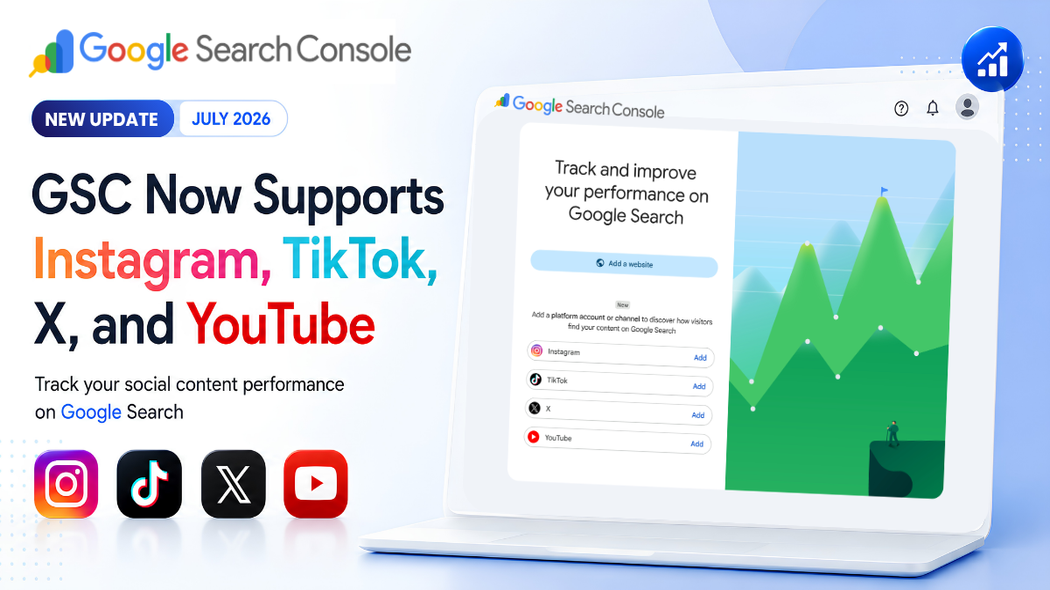
Google has introduced a major Search Console update that expands performance tracking beyond websites. With the new Platform Properties feature, creators and publishers can now measure how their content from Instagram, TikTok, X, and YouTube performs on Google Search, and in some cases, Google Discover and Google News.
This update is especially useful for creators, influencers, businesses, and digital marketers who publish content on social media but want to understand how users discover that content through Google Search.
What Is the Google Search Console Platform Properties Update?
Previously, Google Search Console mainly focused on website performance. With this update, Google has introduced Platform Properties, a new property type that allows you to connect supported social media accounts directly to Search Console.
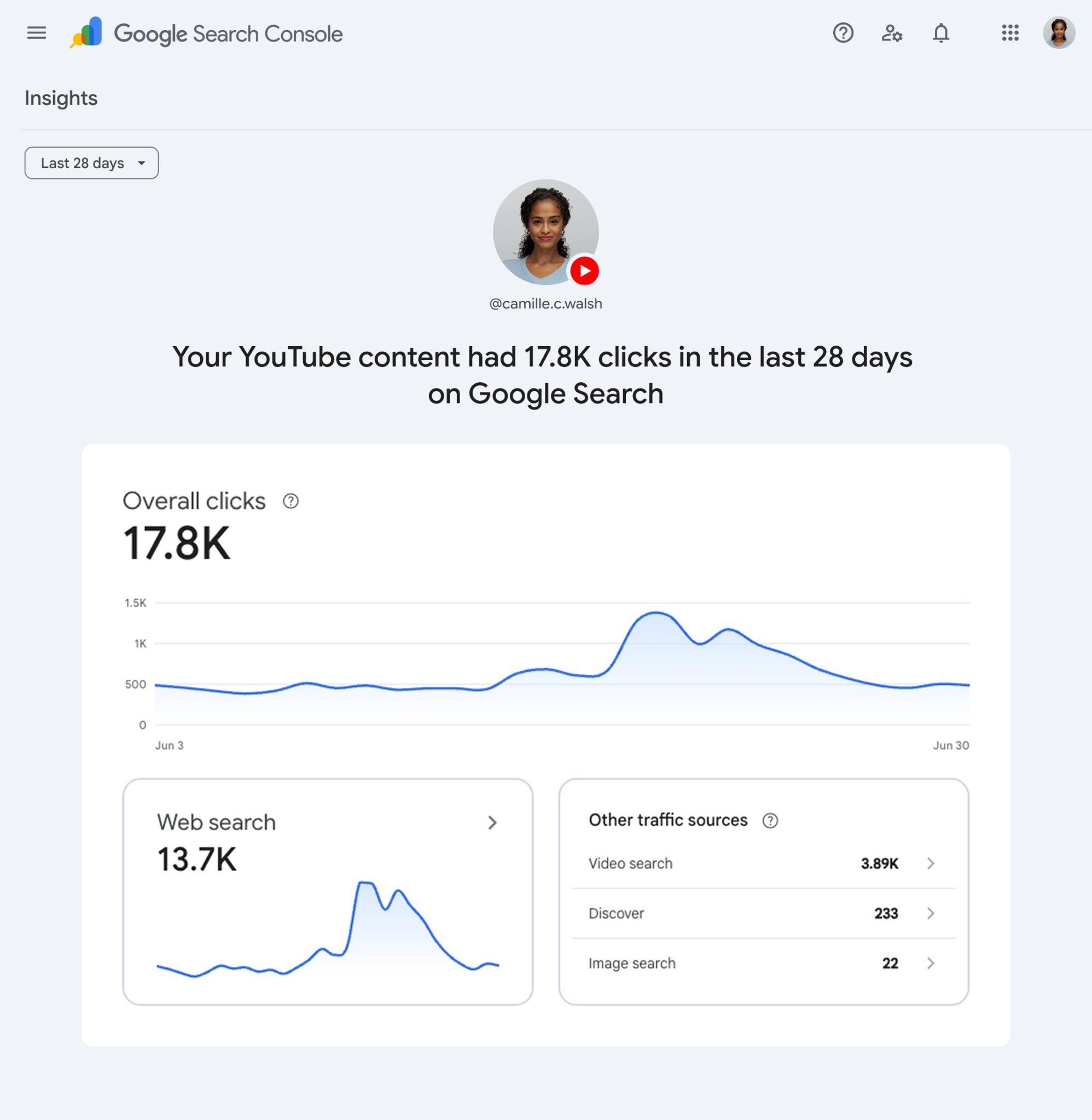
Once your account is verified, you can see how your public social media posts perform when they appear on Google Search. Instead of only tracking website pages, you can now monitor the visibility of your social content.
This helps answer important questions such as:
- How many people found my Instagram posts through Google Search?
- Which YouTube videos receive the most Google Search traffic?
- Which search queries bring visitors to my TikTok videos?
- Which social posts generate the highest clicks and impressions?
It gives creators a better understanding of how Google Search contributes to their audience growth.
Supported Platforms
With this update, Google Search Console currently supports four major social and video platforms:
- TikTok
- X
- YouTube
Every account or channel must be added as a separate Platform Property. This means Search Console tracks the performance of each profile independently, giving you dedicated reports and insights for every account you connect.
For example, if you have an Instagram profile and a YouTube channel, you will need to create two separate Platform Properties. Similarly, if you manage multiple Instagram profiles or YouTube channels, each one must be verified individually.
This approach ensures that the clicks, impressions, search queries, and performance metrics for one account are not mixed with another, making it easier to analyze the search performance of each social profile separately.
How to Add a Platform Property?
Connecting your social media account to Search Console is straightforward:
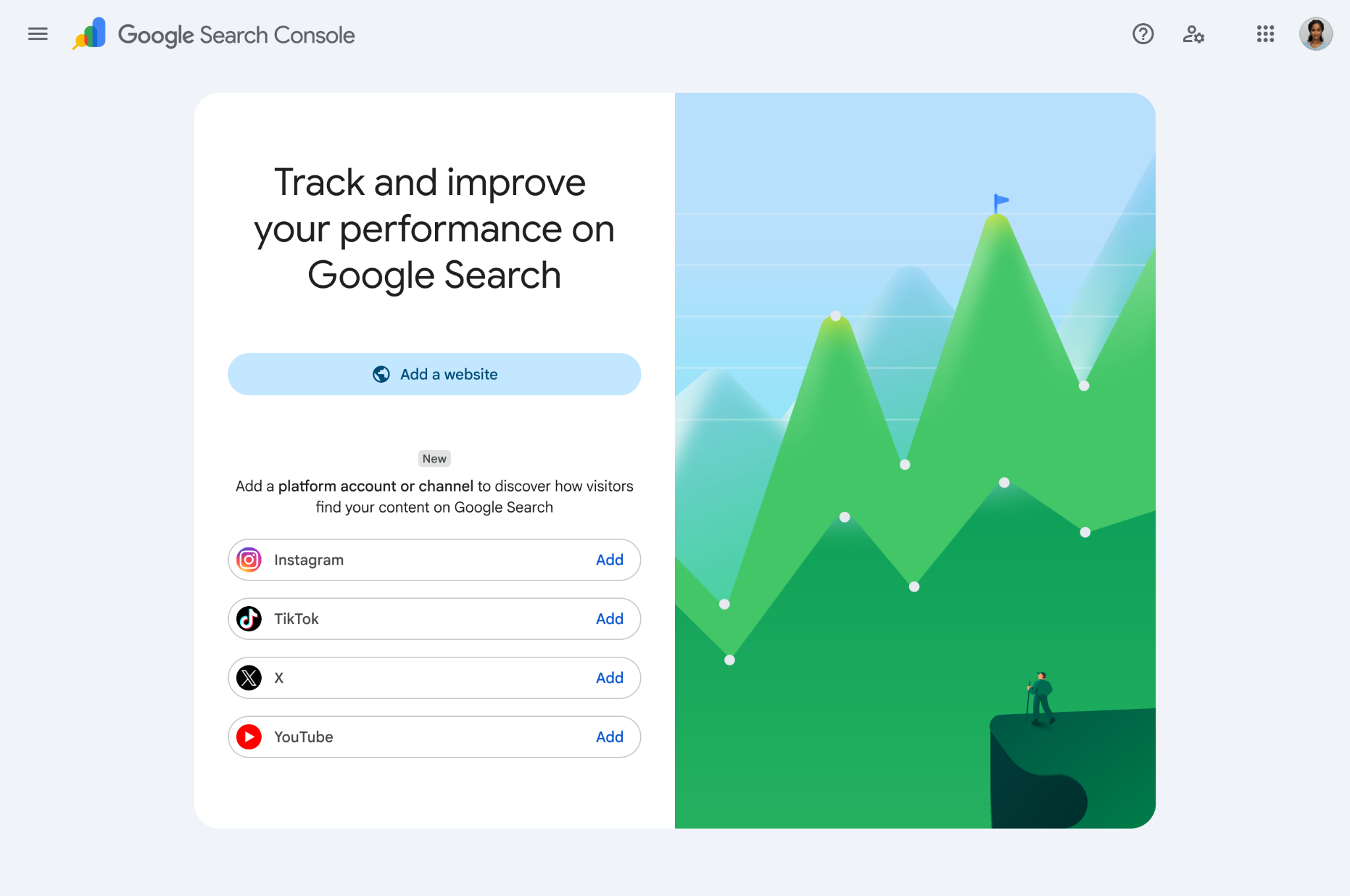
- Open Google Search Console.
- Visit the Verification page or select Add Property from the property selector.
- Choose one of the available platform properties (Instagram, TikTok, X, or YouTube).
- Complete the on-screen verification process to securely authorize your account.
Once verified, Search Console will begin collecting search performance data for your connected social platform.
| Important: Every social account must be added separately. For example, if you manage two YouTube channels and one Instagram account, you will need to verify all three as individual Platform Properties. |
Gradual Rollout
Google has confirmed that Platform Properties are being rolled out gradually over the coming weeks, so the feature may not be immediately available to all Search Console users. To learn more about platform properties and how to set them up in our visit help center documentation or you can share your feedback here “Submit Feedback”
Why This Update Matters
This update reflects the growing importance of social media content in Google Search.
Many creators now build audiences without maintaining traditional websites. Platform Properties give these creators access to Search Console insights that were previously limited to websites.
Whether you are a YouTube creator, Instagram influencer, business owner, or digital marketer, this feature helps you understand:
- Which posts attract Google Search traffic.
- Which search terms bring visitors to your content?
- How does your visibility change over time.
- Which content performs best across Google’s search ecosystem.
Final Thoughts
The Google Search Console Platform Properties update is a valuable addition for creators who publish content on social media. Instead of relying only on platform-specific analytics, you can now understand how Google Search contributes to your content’s visibility and audience growth.
If the feature is available in your Search Console account, it is worth setting up each of your supported social profiles. Over time, the insights can help you identify successful content, improve your search visibility, and make better content decisions based on real Google Search data.
Recent Articles






Devraj
 9th July 2026